
Skip to content
GMacros · Alphacam Add-ins

Alphacam add-in · AI-generated 3D models

Describe it, get the 3D model in your Alphacam drawing

From the NirvanaAI tab in Alphacam you describe the part or motif in plain words. A parametric part or relief model is prepared in a short time, added to your drawing and scaled to the X/Y/Z size you need.

TRY 2,000.00 + VAT / generation · minimum 5 uses

Card payments coming soon. For now you can pay by bank transfer; once the payment is received your license key is sent by e-mail.

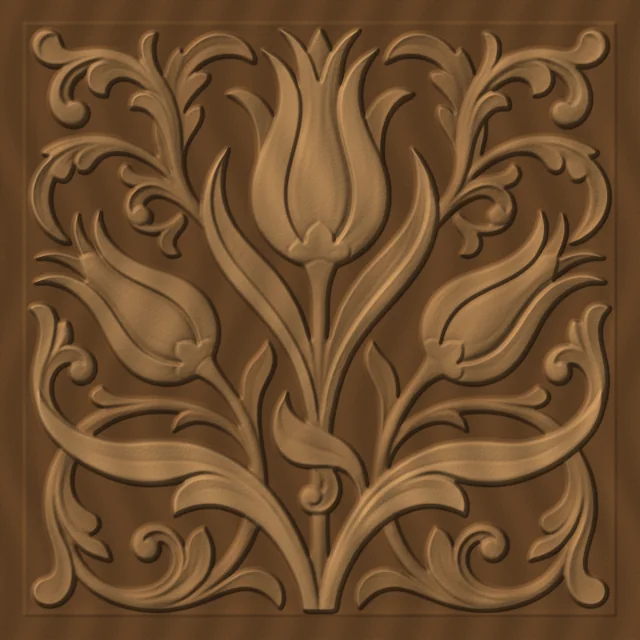
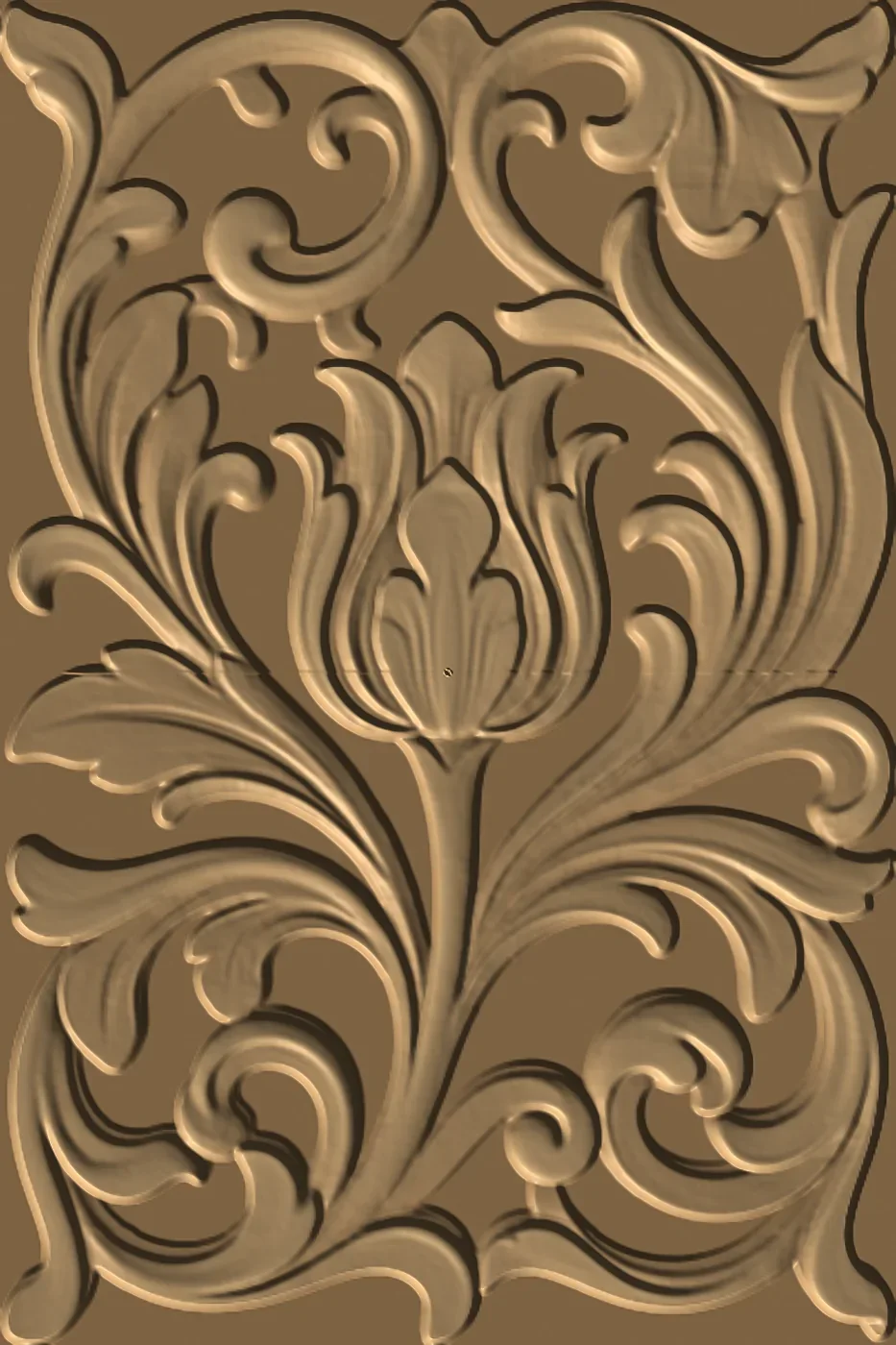
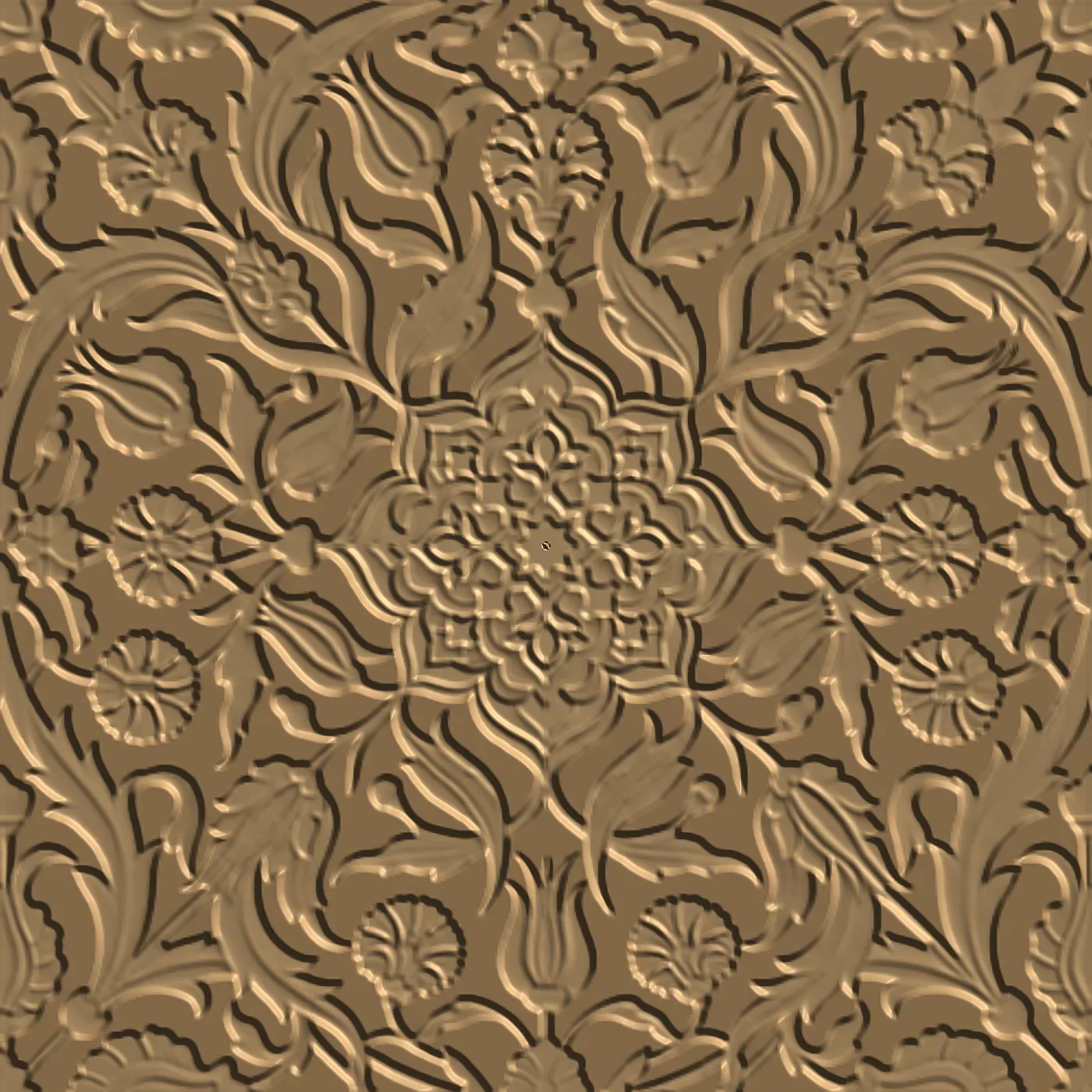
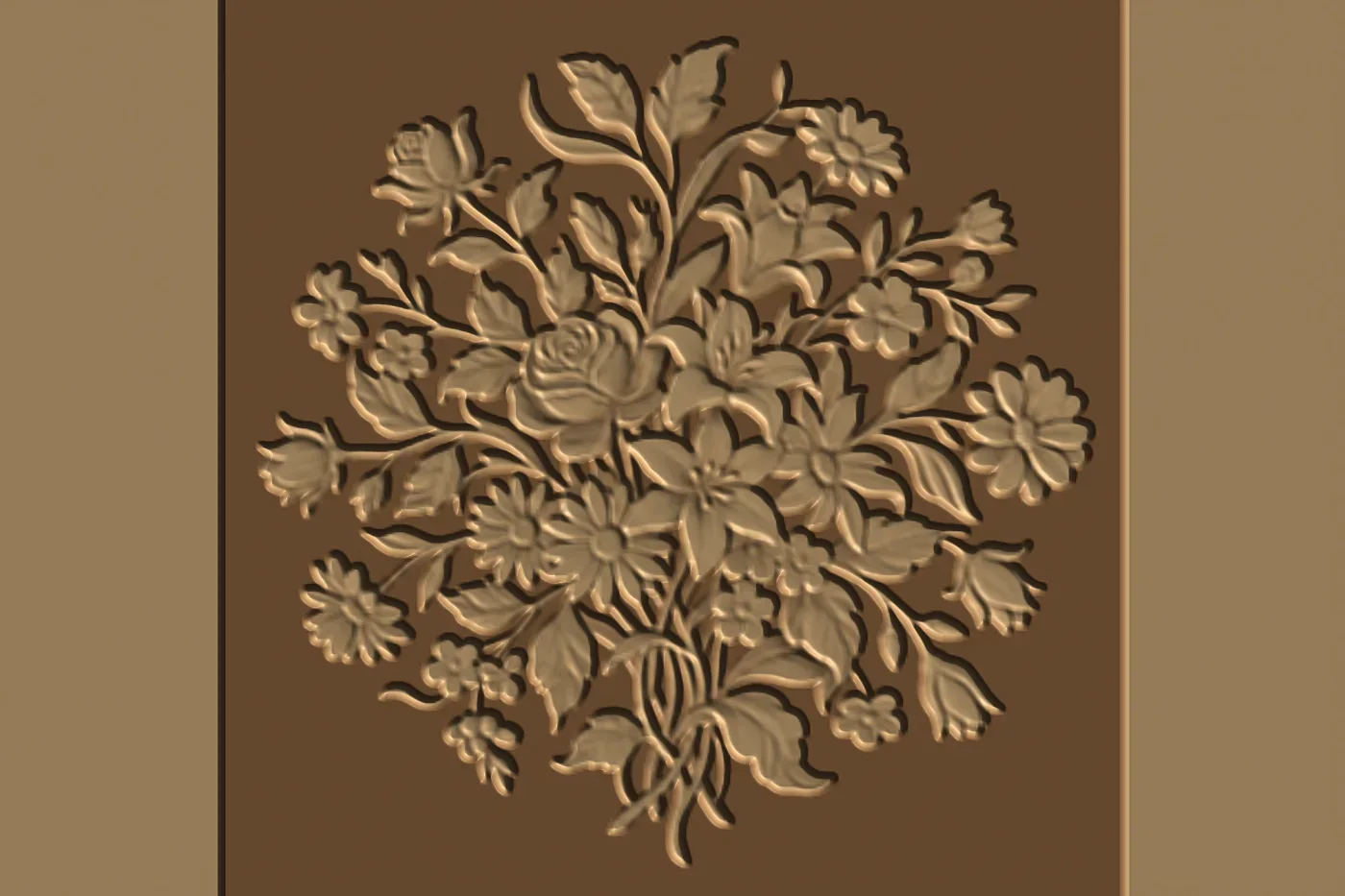
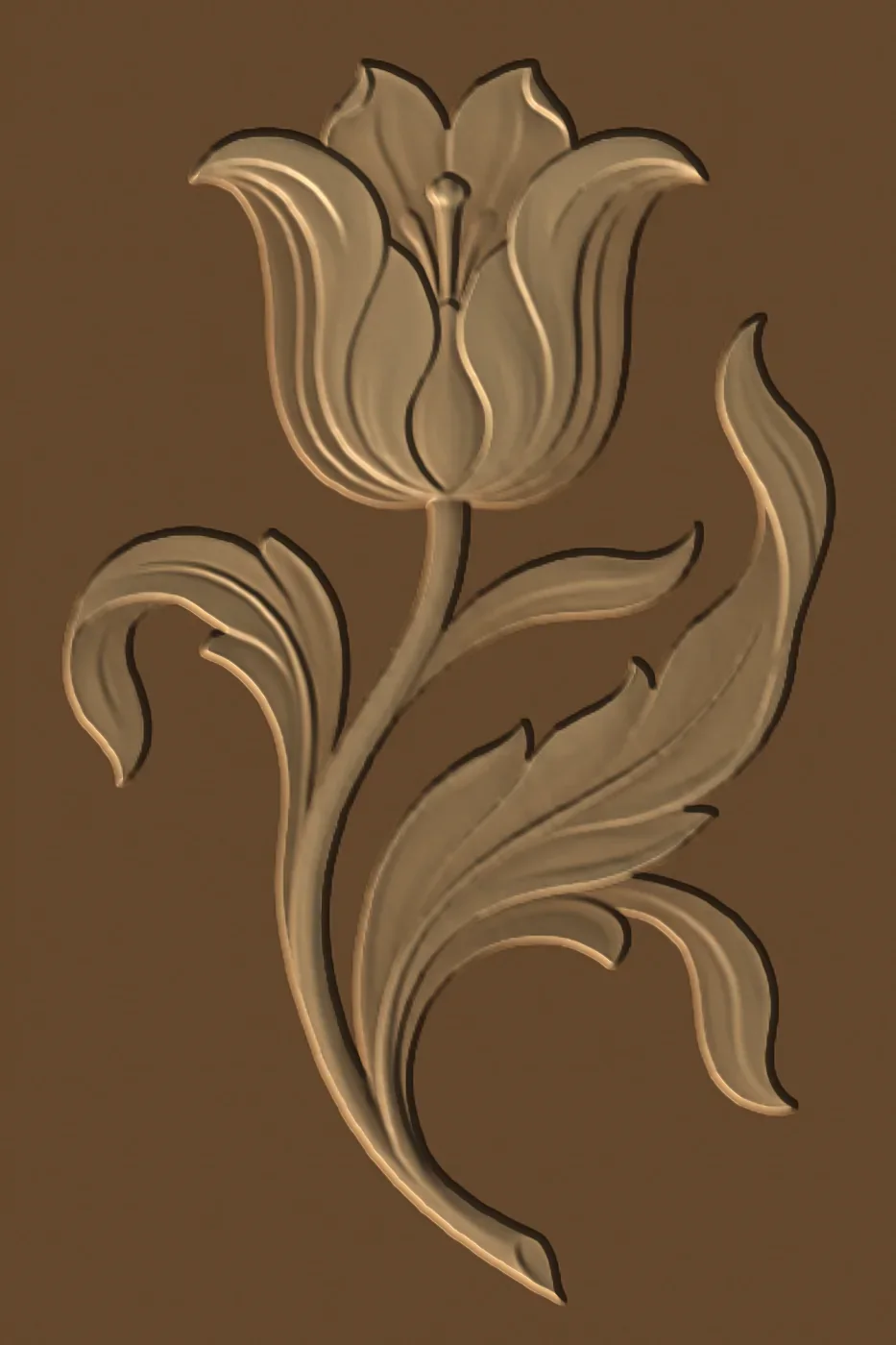
Wood-toned preview of a tulip motif relief model
Sample relief preview — not a photo of a machined part.

How it works

  1. 1

    Write the description

    Open Text to 3D model on the NirvanaAI tab. Describe the part with dimensions (mm) and pick a type: Automatic, Parametric part or Relief.

  2. 2

    The model is prepared

    Your description is interpreted and the 3D model is prepared. In our tests a model was ready in 10–20 seconds.

  3. 3

    It is added to your drawing

    The finished model is downloaded and added to your open Alphacam drawing automatically.

  4. 4

    Scale it to size

    The size form shows the model's current X/Y/Z; enter the target sizes. With Keep proportions on, motifs stay intact; with it off you set the thickness separately.

Two generation types

Leave the type on Automatic and it is inferred from the text. The clearer the description (dimensions, corners, holes, depth), the more accurate the model.

Parametric part

Dimensioned parts such as shelves, drawer fronts, boxes, legs and knobs. Details such as thickness, corner radius, holes and grooves are taken from your description.

Example descriptions

  • 800x250x18 mm shelf, all four corners R20, two 8 mm screw holes at the back
  • 450x150x18 mm drawer front, two 5 mm handle holes 128 mm apart in the centre
  • 250 mm tall turned vase, bulging body, narrow neck

In testing, the first description was prepared in one pass as an 800×250×18 mm part with four rounded corners and two holes.

Relief

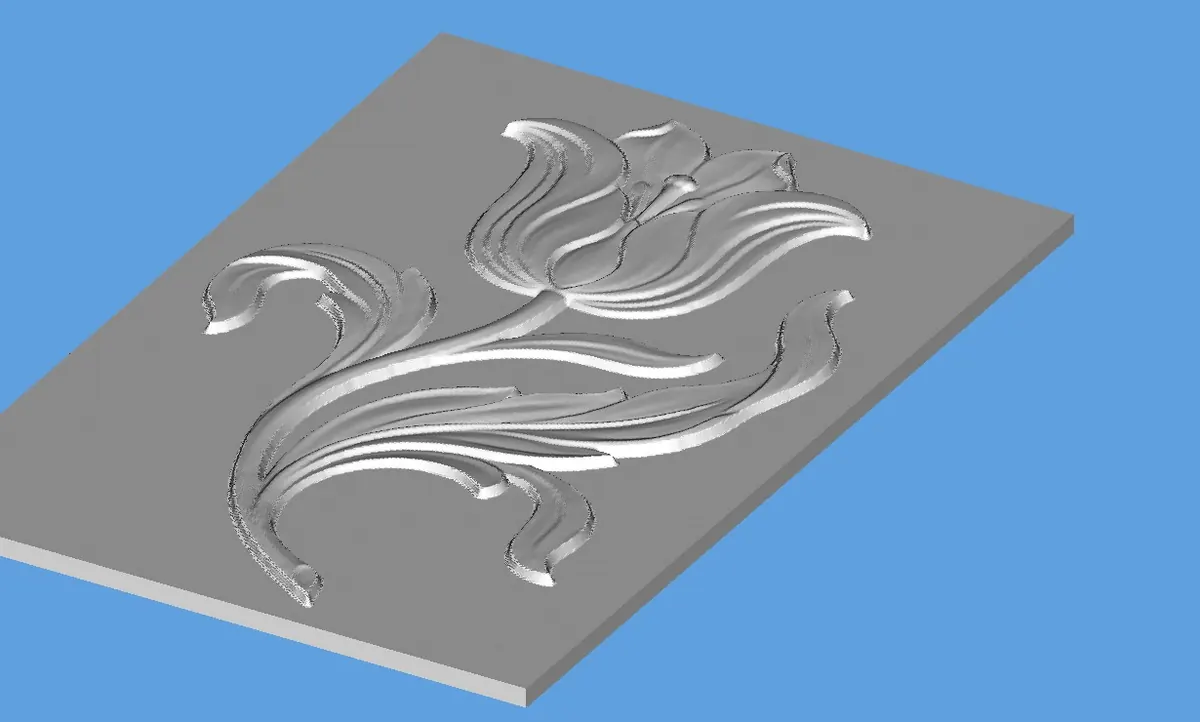
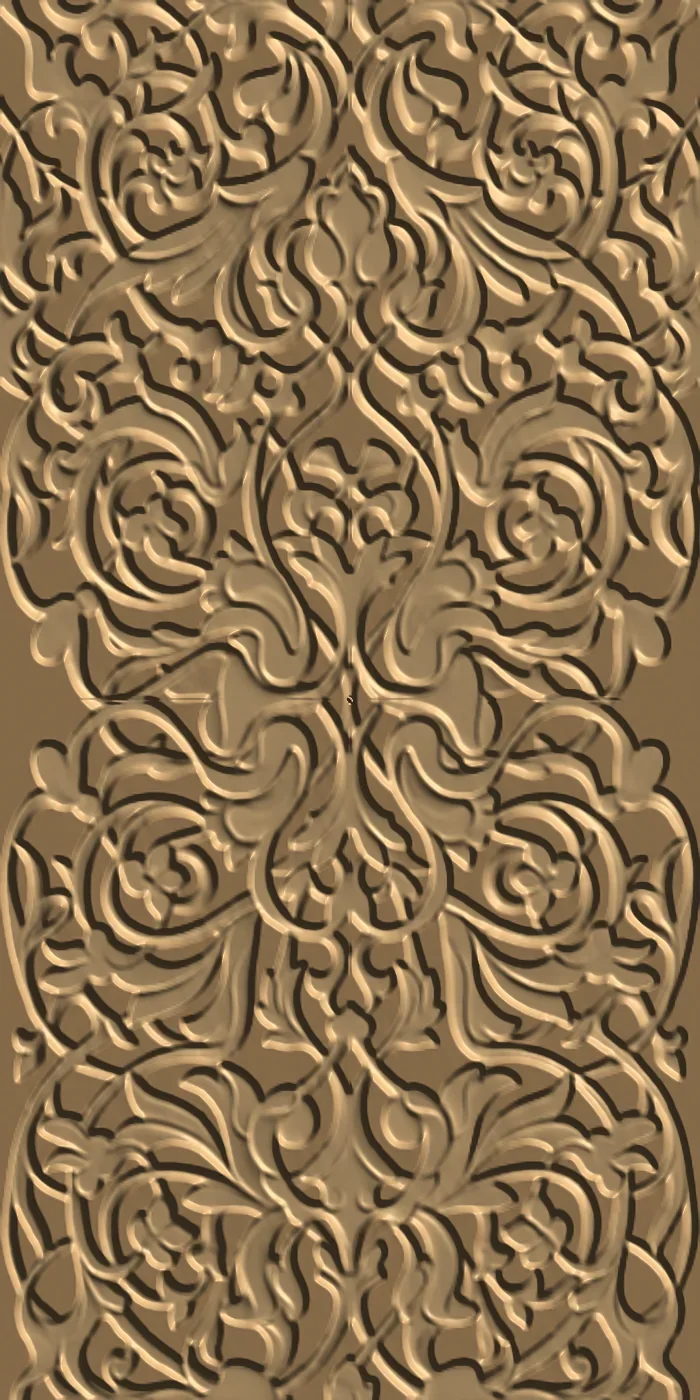
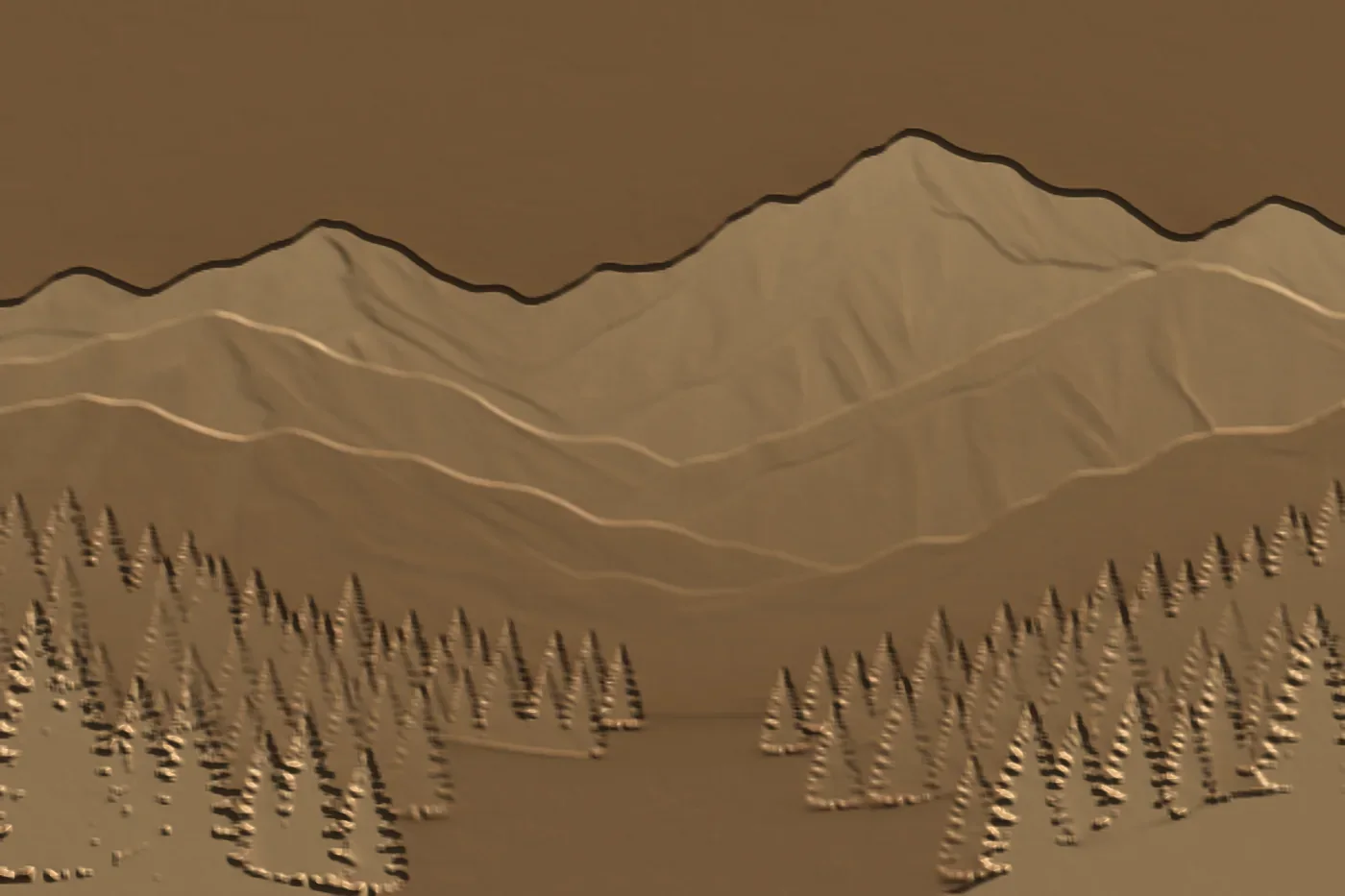
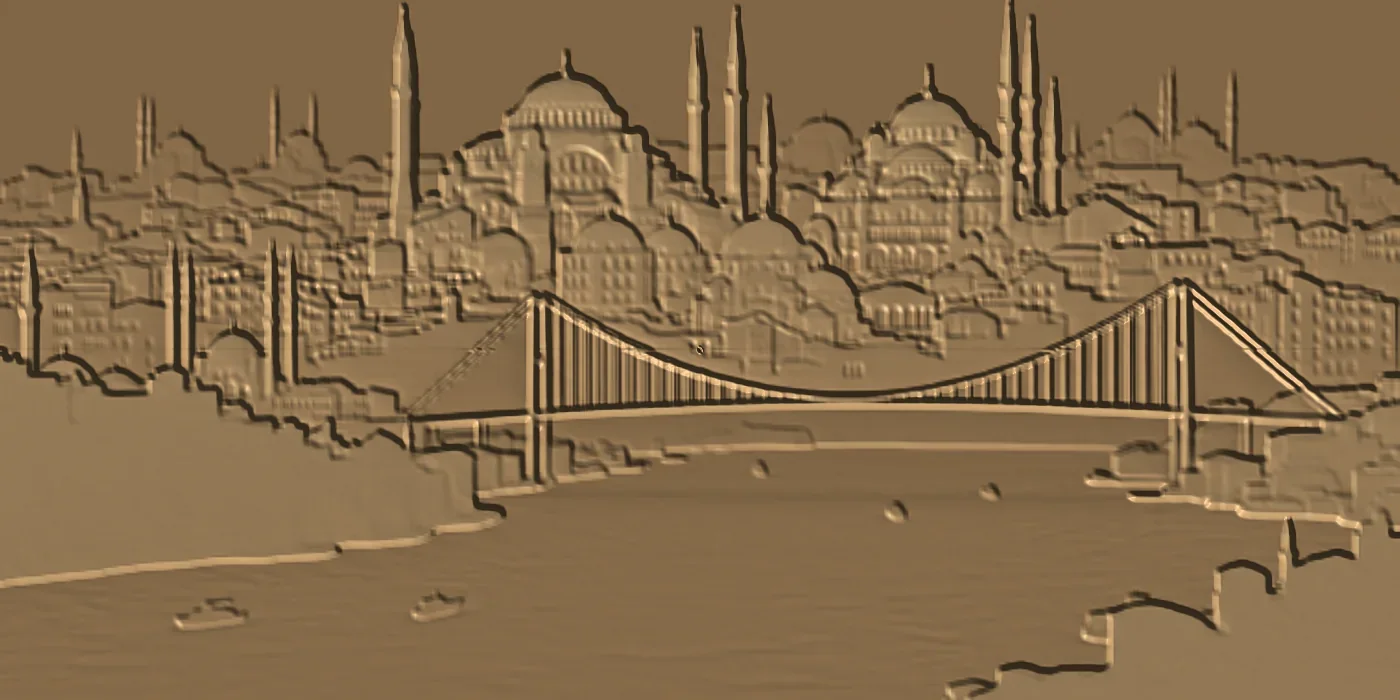
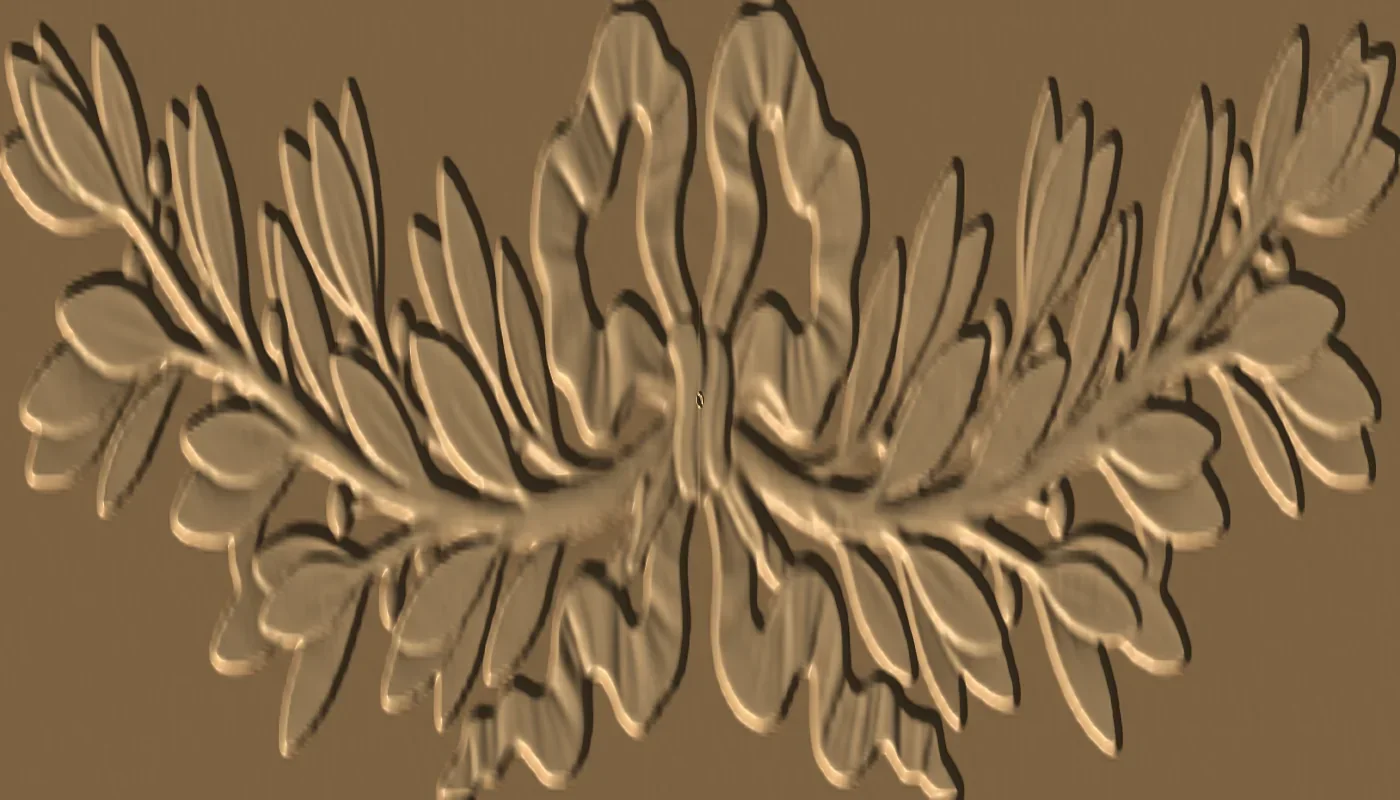
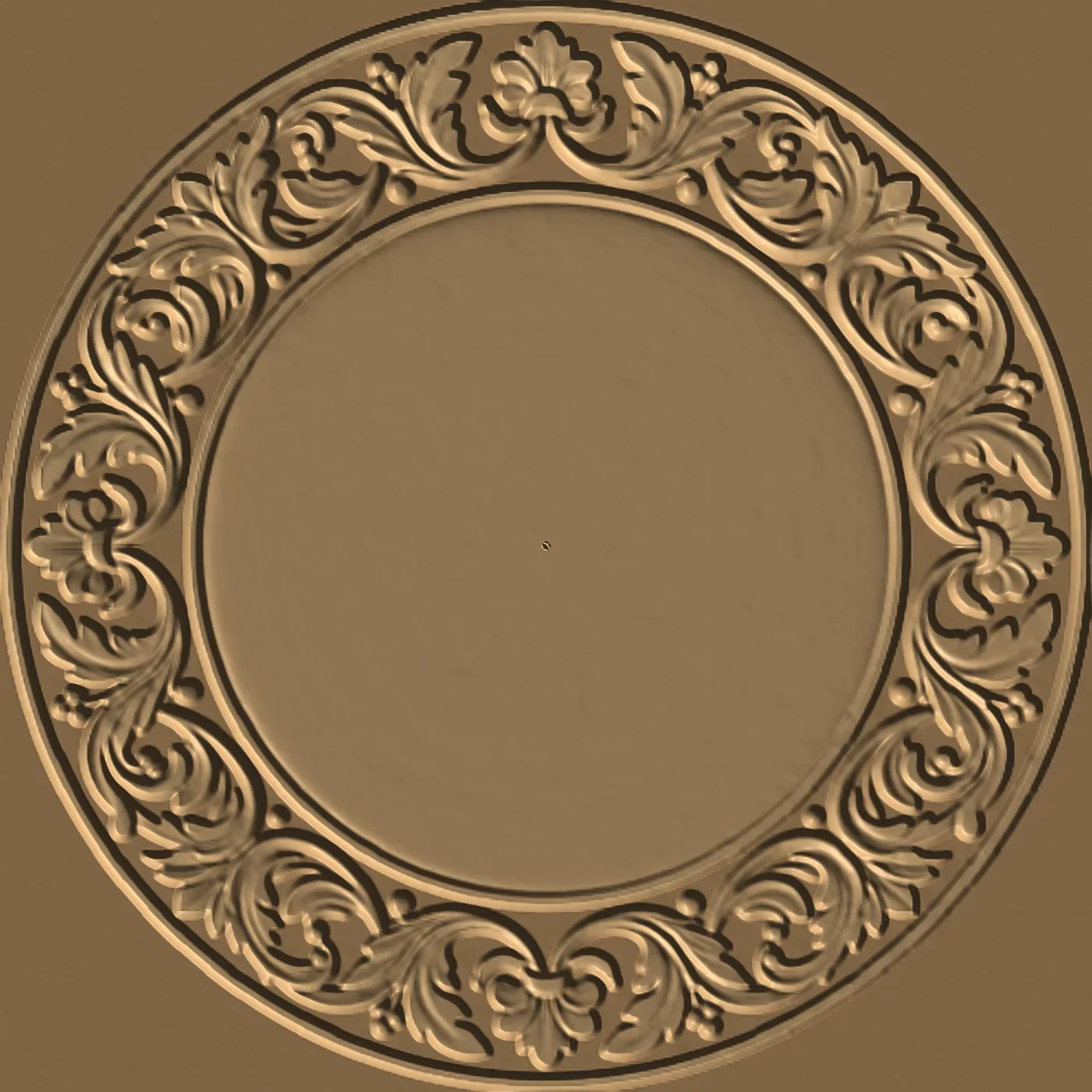
Carved panels and door inserts with tulip, floral or geometric motifs. Just give width, height and maximum depth in mm; the model comes as a single piece with its base.

Wood-toned preview of a tulip motif relief model
Sample relief preview — not a photo of a machined part.

Example descriptions

  • 400x600 mm tulip motif relief panel, maximum depth 8 mm
  • 300x300 mm geometric star motif door insert, 5 mm depth

Pricing: per generation

TRY 2,000.00 + VAT / generation · minimum 5 uses

  • You choose the number of uses when buying; minimum 5 uses.
  • Each successful generation uses 1 credit. If a generation fails you get a warning and no credit is used.
  • Later purchases are added to the same license key; no re-activation needed.
  • One model is prepared at a time per license.
Buy in the panel

Your license is protected

  • Your license key is bound to one computer; your usage credits are kept in your account.
  • A corrupted or modified model is never added to your drawing.
  • An internet connection is required for use and license verification.

Requirements

  • Alphacam 2019 R1 and later
  • Alphacam 3D module to machine the STL model
  • Windows and an internet connection

Good to know

  • AI can misread a description or skip a detail; check the model in Alphacam before machining.
  • Toolpaths (roughing/finishing) are not the add-in's job; you create them in Alphacam with your own strategy.
  • Free-form organic figures such as sculptures or characters are not a target of this version.

Frequently asked questions

How is it priced?

Per generation; you choose the number of uses when buying (minimum 5). Each successful generation uses 1 credit; a failed generation uses none. Later purchases are added to the same license key.

Is the generated model always exact?

AI can misread a description or skip a detail. Check the model in Alphacam before machining; refine the description and generate again if needed.

Does the add-in do the 3D machining?

No. NirvanaAI generates, imports and scales the STL model; toolpaths are created by you in Alphacam's 3D module.

Is an internet connection required?

Yes. The prepared model is downloaded to your computer; license verification is online too.

Which Alphacam version is required?

Alphacam 2019 R1 and later; machining an STL model requires a licensed Alphacam 3D module.

Choose your usage pack

You set the quantity in the panel store; your license key is issued after payment.

Buy in the panel
WhatsApp